How to Identify a Truck Part From a Photo (Web & App)
July 13, 2026 · PartsNow Guides
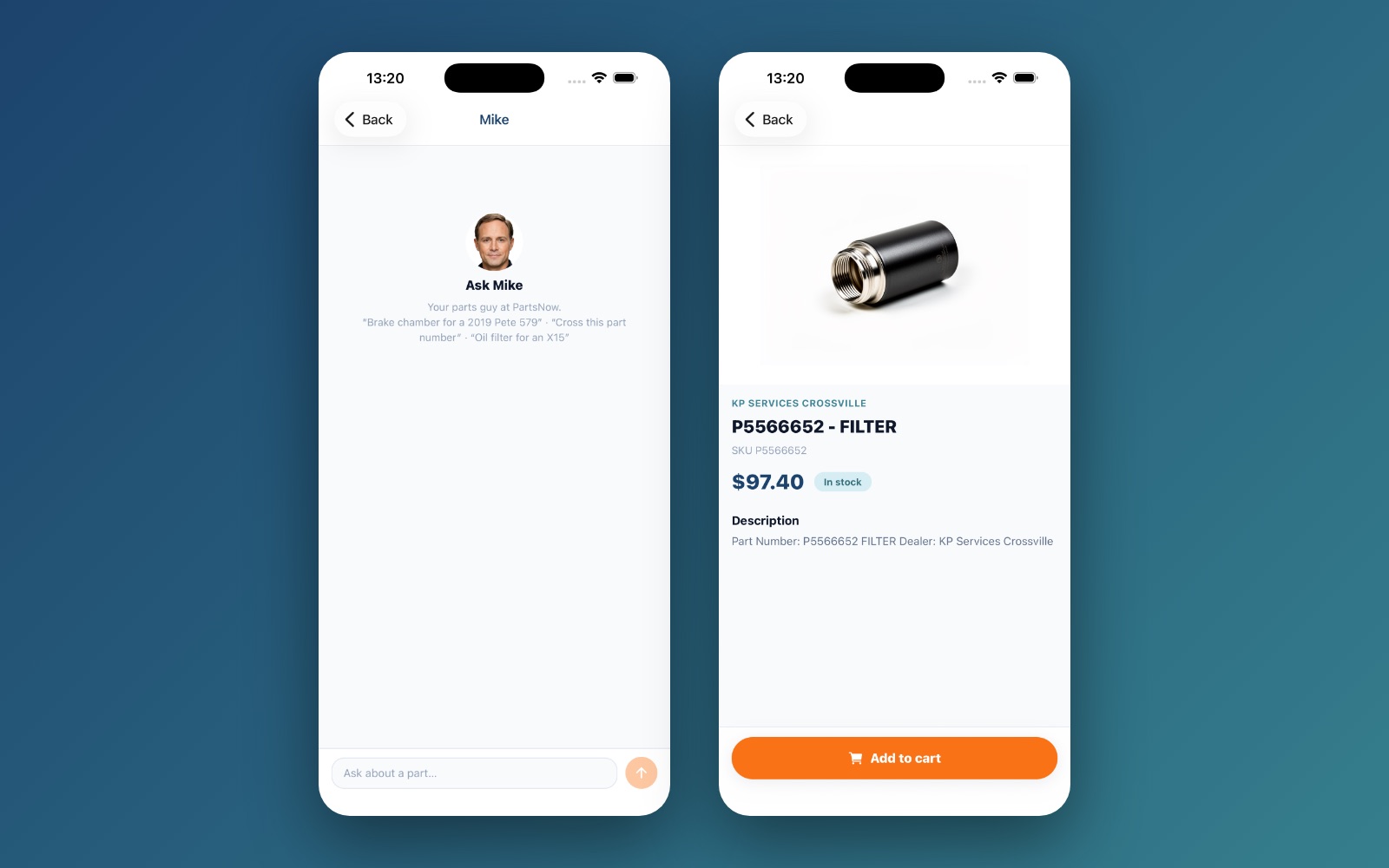
The classic parts-counter problem: the old part is in your hand, the number wore off years ago, and you don't know what it's called. PartsNow solves it with photo identification — available on both the website and the app.
Take a decent picture, and the AI does the naming.
On the website
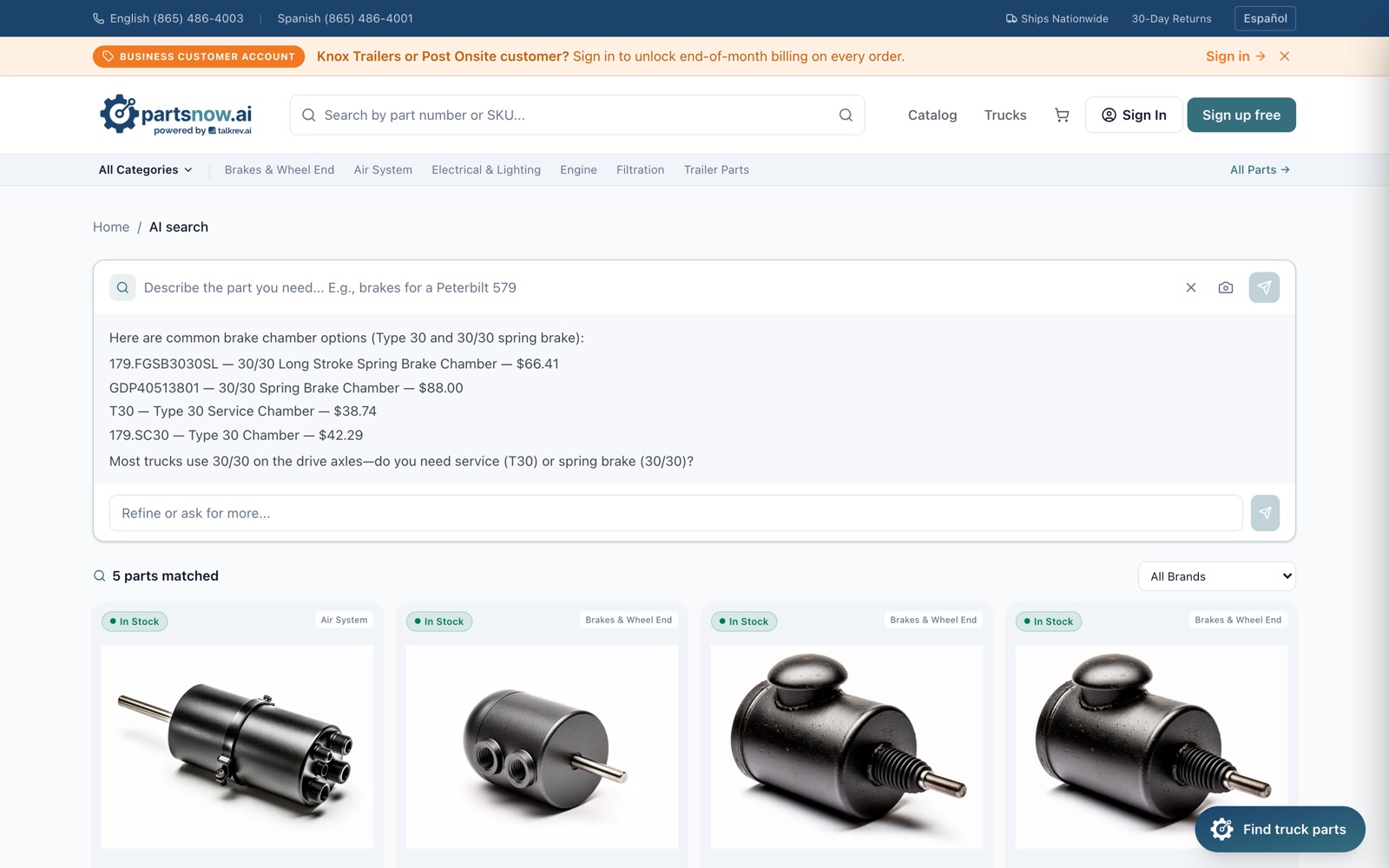
On partsnow.ai, click the camera icon in the search bar (the placeholder literally says "Upload a photo to identify a part…"), or attach a photo inside the Find truck parts chat. The AI identifies the part and shows matching products with prices and stock.
In the app
Tap Scan a part on the home screen and photograph the part directly. For anything ambiguous, escalate to Mike Live — live video gives Mike angles a single photo can't.
Take photos that identify themselves
- Shoot straight on, in good light, filling the frame with the part.
- Include any markings — even a half-worn logo or casting number narrows it fast.
- Add a second angle (ports, mounting flange, shaft end) if the first is generic-looking.
- If it's still on the truck, include a wider shot showing where it lives — context is a huge clue.
Confirm fitment before ordering
Photo ID gets you to the right family of parts fast; exact fitment is about your truck. Pair the photo with your VIN or year/make/model in the chat and the assistant confirms the exact SKU. When it matters (brakes, steering, wheel-end), have a certified tech double-check the repair.
Quick answers
What if the part number is completely gone?
That's the normal case. Shape, ports, size and mounting pattern are usually enough — the AI matches the photo, then you confirm fitment with the VIN.
Photo or video — which should I use?
One clear photo is enough for most parts. Use Mike Live video in the app when the part is buried, the problem is behavioral (noise, leak), or you want a back-and-forth while you're under the hood.
Does photo search work in Spanish?
Yes — the site has a Español toggle and the AI answers in the language you write. Phone help in Spanish: (865) 486-4001.
Still not sure what's wrong?
Mike — the free AI truck consultant — will walk through your exact symptoms and point you to the right part. No account, English or Spanish, 24/7.
