How to Find the Right Truck Part on PartsNow.ai
July 13, 2026 · PartsNow Guides
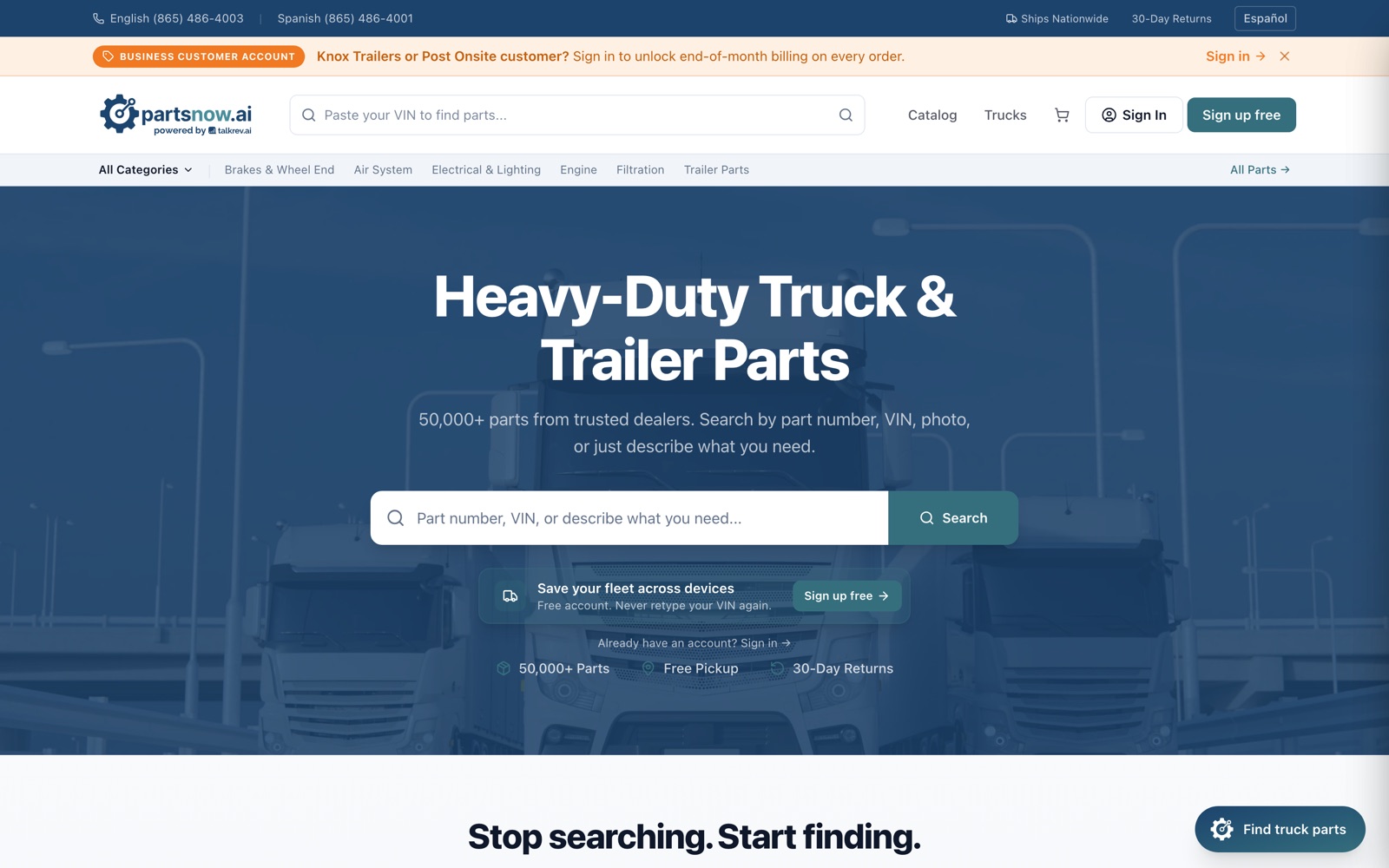
You don't need a part number to shop PartsNow. The search bar takes whatever you've got — a part number or SKU, your VIN, a photo of the old part, or a plain-words description like "brake chamber for a Peterbilt 579".
This guide walks through every way to find a part on partsnow.ai, from exact-number lookups to "I have no idea what this thing is called."
Search like you'd say it
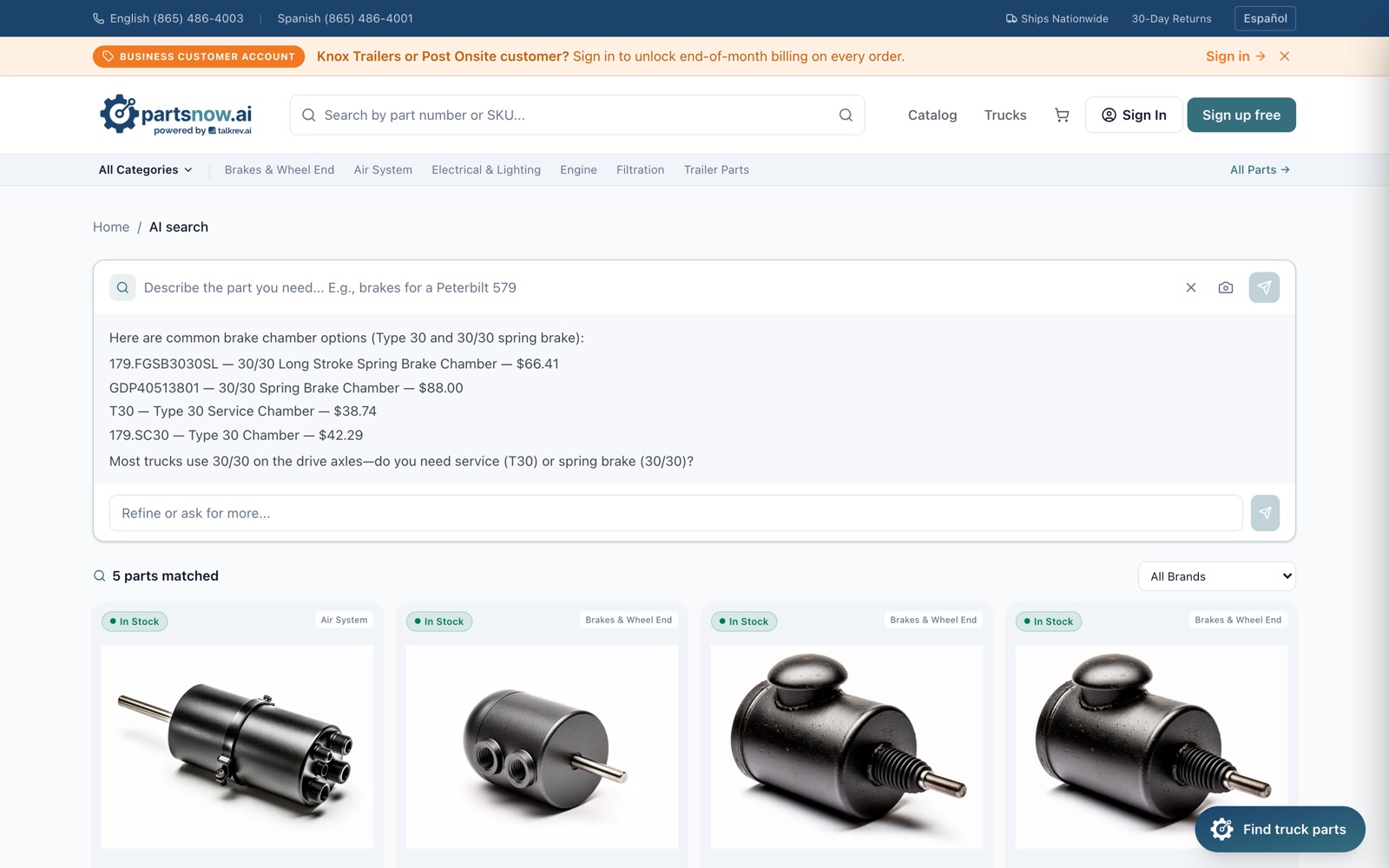
Type what you know into the big search bar on the homepage — part number, SKU, or a plain description. If you describe the part, PartsNow runs an AI search: it answers with the closest options and live prices, asks a clarifying question when it matters (service chamber or spring brake?), and lists every matching product below. Use the "Refine or ask for more…" box to narrow it down without starting over.
Search by VIN or photo
Two more ways in, right from the same search bar:
- VIN — paste your 17-character VIN and PartsNow decodes the truck to find parts that fit it.
- Photo — tap the camera icon and upload a picture of the part (even a worn one with no readable number). The AI identifies it and shows matches.
With a free account you can save your trucks to your fleet, so you never retype the VIN — your vehicle shows up in the header and searches are filtered to it.
Or browse by category
If you'd rather browse, the category bar covers the common systems: Brakes & Wheel End, Air System, Electrical & Lighting, Engine, Filtration, Trailer Parts, plus Suspension & Steering and Drivetrain in the full catalog. Every list can be filtered by brand and stock status — In Stock items ship or get picked up right away, Request Quote items get you a fast price from the dealer.
Read the product page before you buy
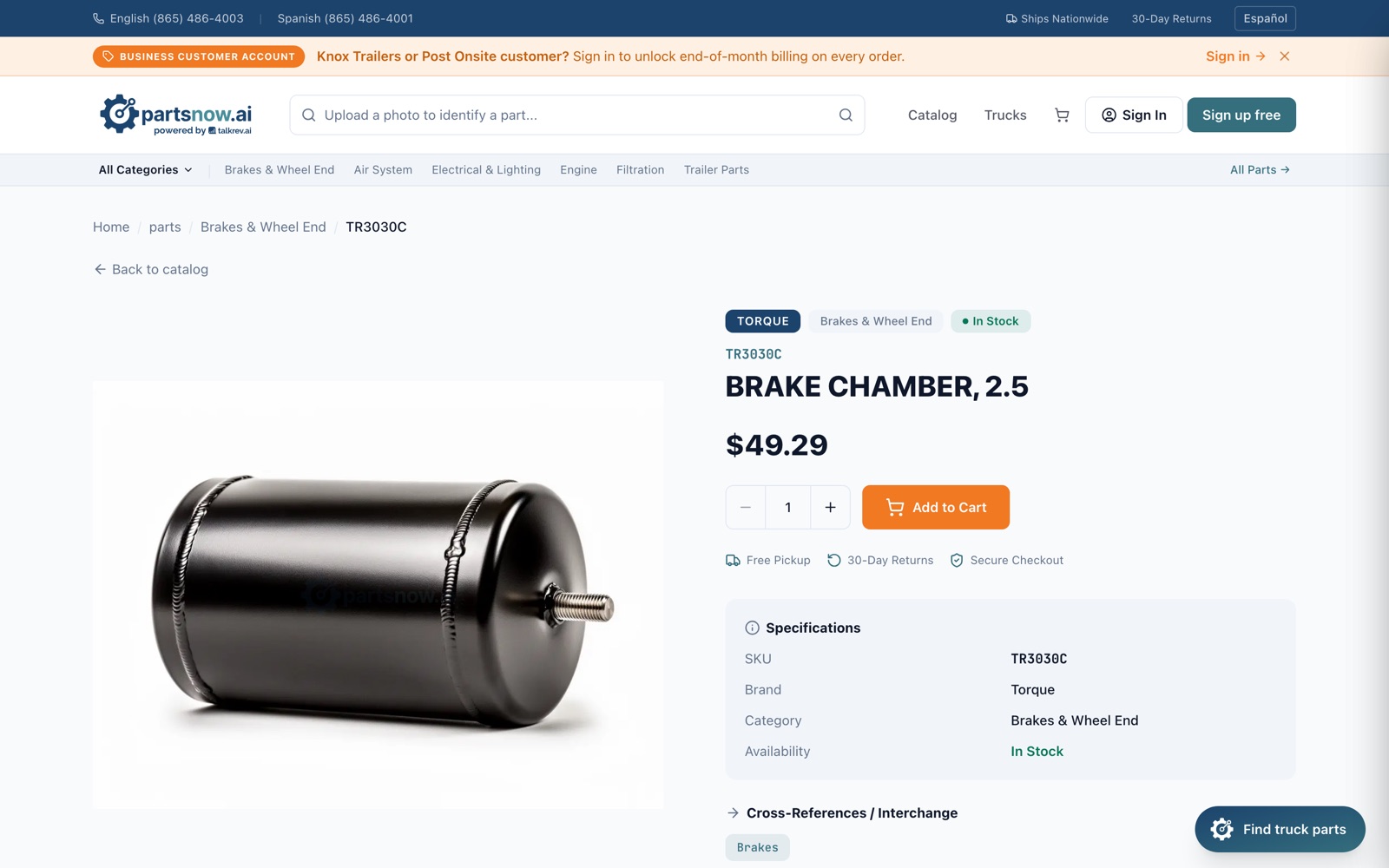
Each part page shows the SKU, brand, category and live availability, plus a Cross-References / Interchange section and the supplying dealer. If you're not 100% sure it fits, hit "Ask about this part" right on the page — the AI assistant checks compatibility and alternatives for that exact SKU.
Still stuck? Ask a human-sounding expert
The "Find truck parts" button in the bottom-right corner opens the PartsNow AI assistant — describe the job and it finds the parts. Prefer the phone? Call (865) 486-4003 (English) or (865) 486-4001 (Español). And if you're diagnosing a problem rather than buying yet, chat with Mike for free at agent.partsnow.ai.
Quick answers
Can I search without knowing the part number?
Yes — that's the point. Describe the part or the problem in plain words, paste a VIN, or upload a photo. The AI search matches it against 50,000+ parts from trusted dealers.
What does "Request Quote" mean on a part?
That part isn't stocked for instant checkout, so the dealer confirms price and availability first. Submit the request and you'll get an answer fast — usually with a firm quote you can order from.
Does PartsNow have parts for older or discontinued trucks?
Yes. The catalog covers current and legacy rigs, and the cross-reference data helps match discontinued part numbers to available equivalents. When in doubt, ask the AI assistant to cross a number.
Still not sure what's wrong?
Mike — the free AI truck consultant — will walk through your exact symptoms and point you to the right part. No account, English or Spanish, 24/7.
